

 Tweet
Tweet
Hi Wildcatter,
Open a free photobucket.com account; save the pictures to your computer and upload them to your Photobucket account. Open a picture in Photobucket then right click on the picture, select properties, and copy the address of the picture (URL) (http://XXXXXXXXXXXX. Open a new message and select the yellow box (insert image) in the message format screen (toolbar at the top of the screen), then paste the URL in the highlighted http:// area. I believe there is a limit of 5 images per post.
Boomer
Open a free photobucket.com account; save the pictures to your computer and upload them to your Photobucket account. Open a picture in Photobucket then right click on the picture, select properties, and copy the address of the picture (URL) (http://XXXXXXXXXXXX. Open a new message and select the yellow box (insert image) in the message format screen (toolbar at the top of the screen), then paste the URL in the highlighted http:// area. I believe there is a limit of 5 images per post.
Boomer


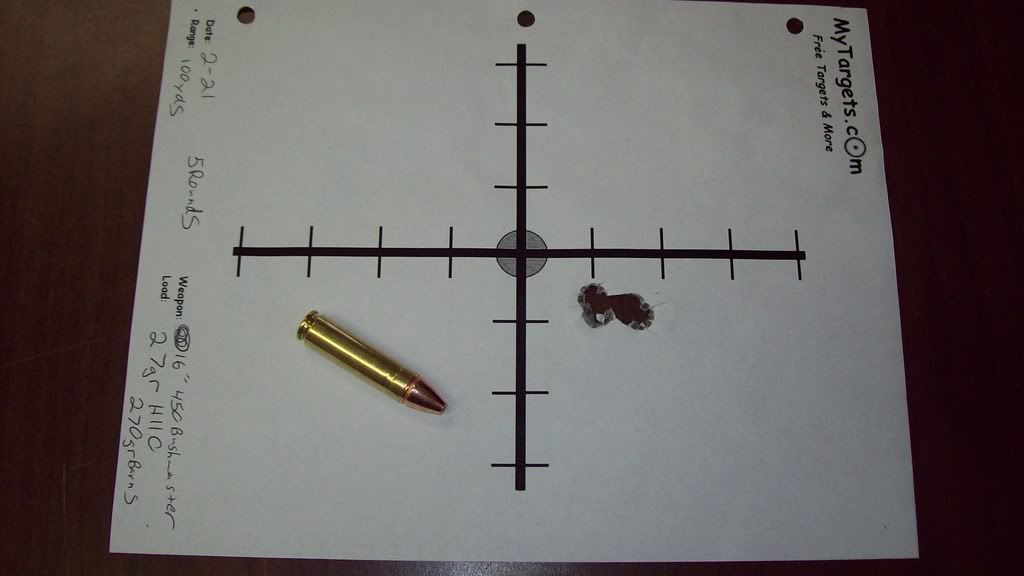
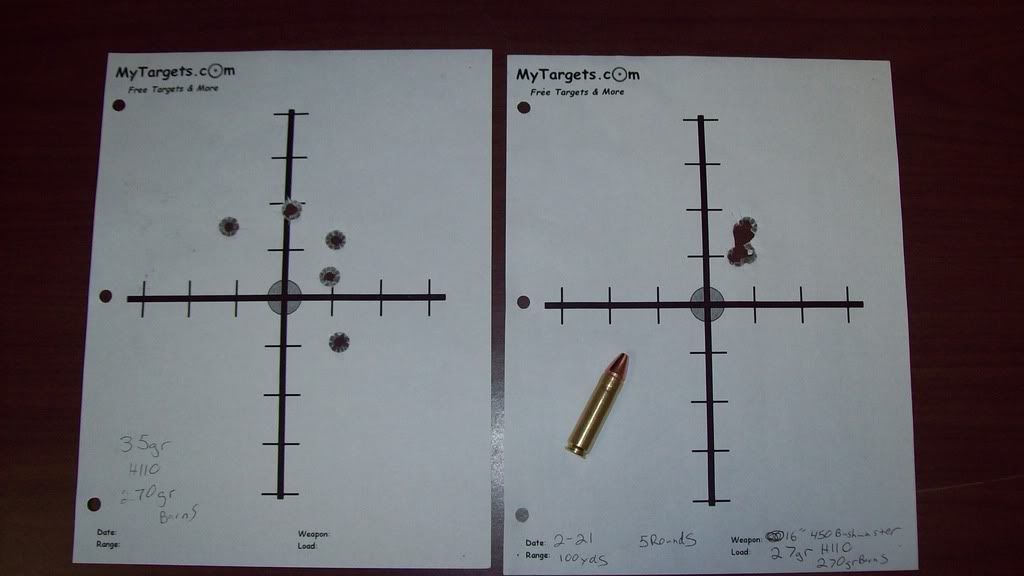
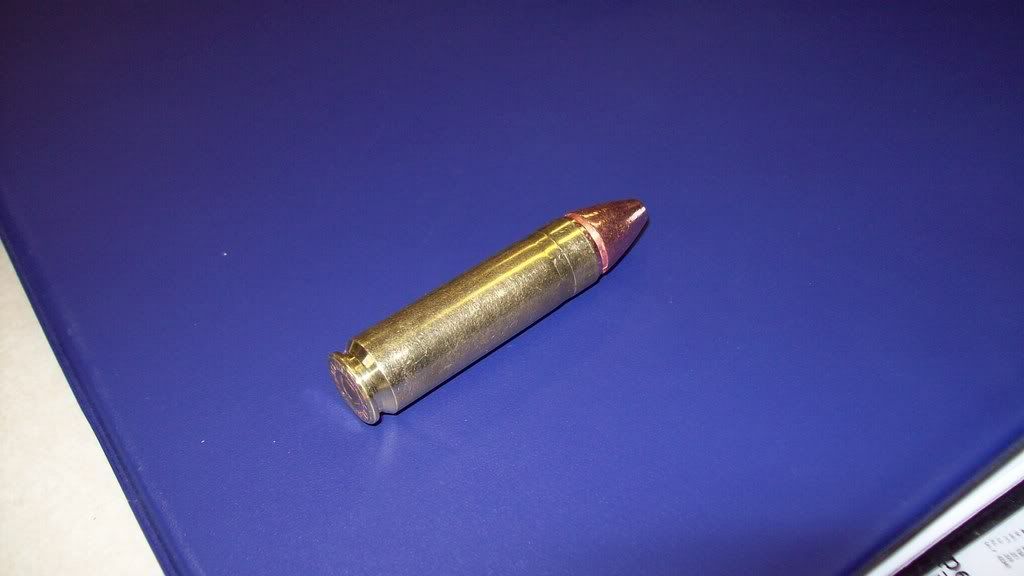


Comment