

 Tweet
Tweet
Hey guys. Wanted to get a couple opinions on the issue that I am having. I'll try to explain it to the best of my abilities.
We have a wireless DSL modem. It has been here and in use by my roommates for months before I moved here. Typically there is 1 other laptop running on the network. If the 1 other laptop is not on or connected to the network, I NEVER have this issue.
The issue I am having is if I turn on my laptop at some point during the day while the 1st laptop is already connected, my laptop has issues connecting.
It will connect to the network but give me a yellow exclamation over the network status on the toolbar. It says "connected but no internet access." Sometimes it will give me an error saying something along the lines of "windows has identified an IP address conflict with another computer on the network."
I enter the network troubleshooting window and it resets my network adapter. Sometimes that will get it to work, sometimes I have to try that another time or two for it to resolve the issue.
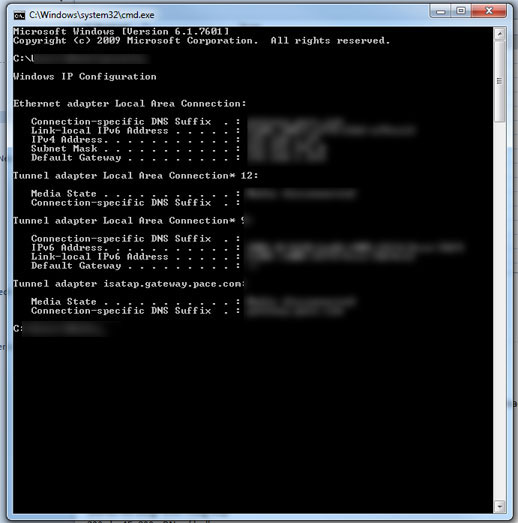
I try to use command prompt and use "ipconfig /release and /renew" so that I can get a new IP address but typically get the error saying "this operation cannot be preformed while you are not connected" (uh, I thought I was connected to the network).
What I'm assuming is that the modem is giving computer 1 a default IP address that it would normally give me if I am computer 1.
Are there any settings I need to change on the modem/ router to allow it to automatically hand out more IP's? What do I need to do to fix this issue?
TL;DR version: my laptop will connect to our network just fine if I am computer 1 but if I am computer 2 it will not connect well (I am assuming the network isn't giving me a distinct IP address).
We have a wireless DSL modem. It has been here and in use by my roommates for months before I moved here. Typically there is 1 other laptop running on the network. If the 1 other laptop is not on or connected to the network, I NEVER have this issue.
The issue I am having is if I turn on my laptop at some point during the day while the 1st laptop is already connected, my laptop has issues connecting.
It will connect to the network but give me a yellow exclamation over the network status on the toolbar. It says "connected but no internet access." Sometimes it will give me an error saying something along the lines of "windows has identified an IP address conflict with another computer on the network."
I enter the network troubleshooting window and it resets my network adapter. Sometimes that will get it to work, sometimes I have to try that another time or two for it to resolve the issue.
I try to use command prompt and use "ipconfig /release and /renew" so that I can get a new IP address but typically get the error saying "this operation cannot be preformed while you are not connected" (uh, I thought I was connected to the network).
What I'm assuming is that the modem is giving computer 1 a default IP address that it would normally give me if I am computer 1.
Are there any settings I need to change on the modem/ router to allow it to automatically hand out more IP's? What do I need to do to fix this issue?
TL;DR version: my laptop will connect to our network just fine if I am computer 1 but if I am computer 2 it will not connect well (I am assuming the network isn't giving me a distinct IP address).






Comment