Unconfigured Ad Widget

Collapse

Windows 7 not using all RAM

Collapse
X
 
  • Time
  • Show
Clear All
new posts
  • #31
    draconianruler
    Senior Member
    • Jan 2006
    • 1590

    Originally posted by amd64
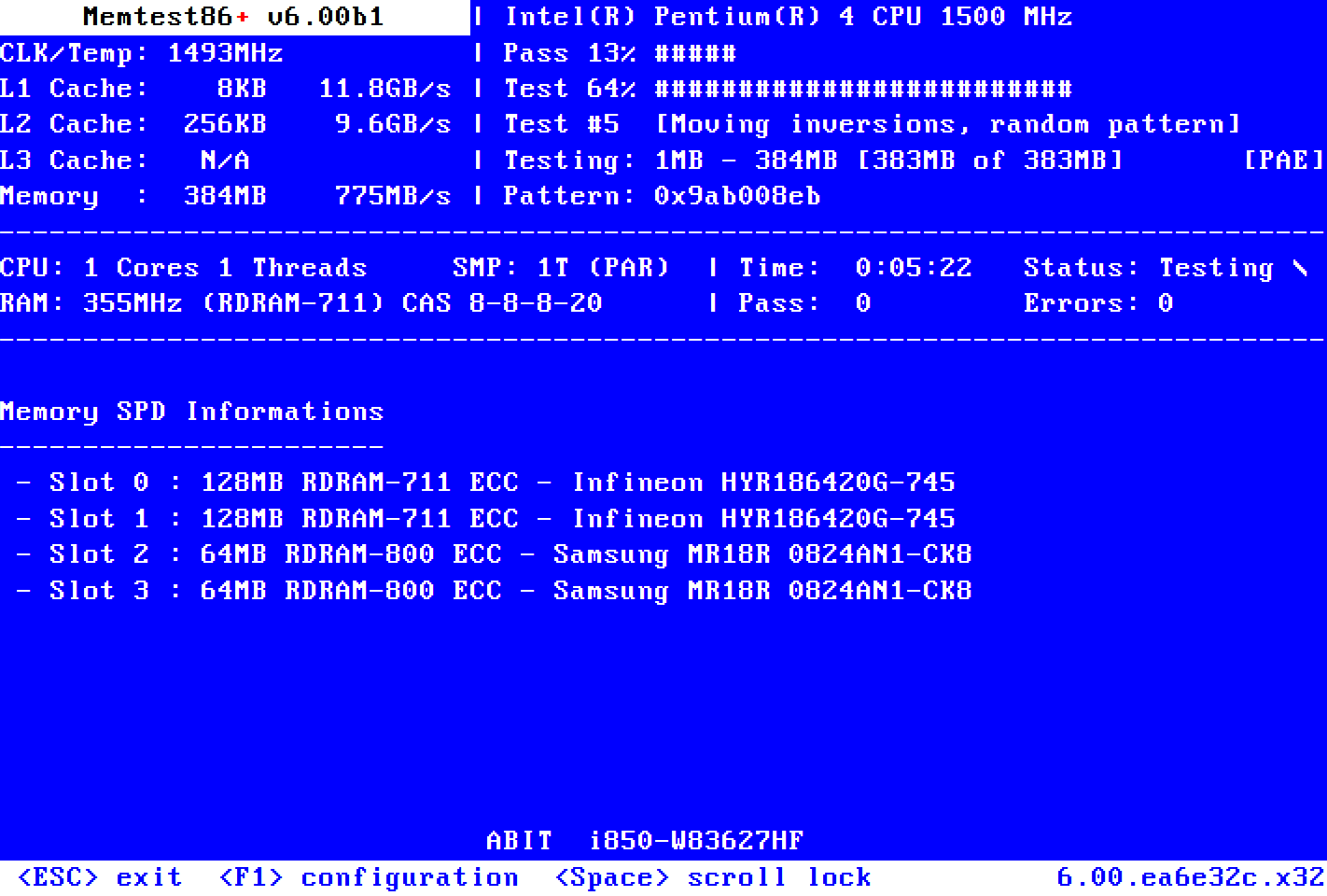
    Have you tried running Memtest86+ yet? See what amount of memory it detects.
    Memtest86+ is an advanced, free, open-source, stand-alone memory tester for 32- and 64-bit computers (UEFI & BIOS supported)


    If memtest shows 6GB and runs clean, then try a reinstall of Win7. Create an image backup of your current install first, in case it turns out to be a setting in the end...
    Ran memtest last night and it detected the 6GB of RAM and no issues. I reinstalled Windows again yesterday as well and it still didn't work. Argh..... waiting for the MB company to get back to me.
    sigpicNRA LIFE MEMBER

    Comment

    • #32
      draconianruler
      Senior Member
      • Jan 2006
      • 1590

      So I installed another 4GB to make it a total of 10GB of RAM (5x 2GB COSAIR) and STILL no luck. Recognizes 10GB but only 2.99 is usable. Same thing when I go into boot and select max memory it goes to 10GB but when I go back in it automatically drops to 2044. So far MSI has not been very helpful. Argh.......this sucks.
      sigpicNRA LIFE MEMBER

      Comment

      • #33
        draconianruler
        Senior Member
        • Jan 2006
        • 1590

        Got it to work! After working with the MSI technical support and doing a bunch of troubleshooting they gave me a beta version BIOS to try as last resort. It worked and now I have all my 10GB of RAM available. Thanks for all the support and advice. I'm ready to rock with my new computer on games and surfing calguns super fast
        sigpicNRA LIFE MEMBER

        Comment

        • #34
          KaHuNaZ
          Member
          • Oct 2009
          • 473

          glad to hear you got it working.

          Comment

          • #35
            safewaysecurity
            Calguns Addict
            • Jun 2010
            • 6166

            Originally posted by draconianruler
            Got it to work! After working with the MSI technical support and doing a bunch of troubleshooting they gave me a beta version BIOS to try as last resort. It worked and now I have all my 10GB of RAM available. Thanks for all the support and advice. I'm ready to rock with my new computer on games and surfing calguns super fast
            Lol not fair... I updated my a long time ago and it only helped a little bit.
            Originally posted by cudakidd
            I want Blood for Oil. Heck I want Blood for Oil over hand wringing sentiment!
            ^

            Comment

            • #36
              Watters Edge Design
              CGN/CGSSA Contributor
              CGN Contributor
              • Jul 2010
              • 604

              Get a mac!! JK glad you found help..

              Comment

              • #37
                draconianruler
                Senior Member
                • Jan 2006
                • 1590

                Originally posted by safewaysecurity
                Lol not fair... I updated my a long time ago and it only helped a little bit.
                It was only the beta version that worked. I updated the BIOS to the newest available and it still didn't work. It was the last effort from the Mfg. before they took the board back.
                sigpicNRA LIFE MEMBER

                Comment

                Working...
                UA-8071174-1