

 Tweet
Tweet
I saw Bluestacks in an article on the subject, and the price is right (free). Anyone with anything good/bad to say about it?
-
-
Never heard of it. What's the use case?There is no week nor day nor hour, when tyranny may not enter upon this country, if the people lose their supreme confidence in themselves -- and lose their roughness and spirit of defiance -- Tyranny may always enter -- there is no charm, no bar against it -- the only bar against it is a large resolute breed of men.
-Walt Whitman -
I need to run something on a smart phone platform because I don't have/can't use a smart phone.Comment
-
I would say Android Studio, but maybe that's overkill for your needs.There is no week nor day nor hour, when tyranny may not enter upon this country, if the people lose their supreme confidence in themselves -- and lose their roughness and spirit of defiance -- Tyranny may always enter -- there is no charm, no bar against it -- the only bar against it is a large resolute breed of men.
-Walt WhitmanComment
-
I just need to go to a linked website.Comment
-
I've used bluestacks before and it worked great for me. That was at least 8 years ago though and Android changed a lot since then.Comment
-
I tried BlueStacks 32-bit then 64-bit to run a MIDI Android app on Windows10 Pro & failed due to device compatibility issue but MemuPlay worked!Comment
-
I think I only need the browser to work. Maybe a camera, so I don't know how that would work. Ideally you could just browse for picture files.Comment
-
I've run BlueStack to play CODM. It worked fine. It takes a bit of setup to replace a touch UX with keyb mouse mappings, but that might not be your issue if your not gaming.Guns don't kill people, NINJAS kill people.
sigpicComment
-
BlueStack works for android. I've used it for years.Comment
-
I have been using Bluestacks for a couple of years. It uses a lot of system resouces but it works. A nice feature in it is that you can run macros. That comes in handy for certain repetitive mobile games.Comment
-
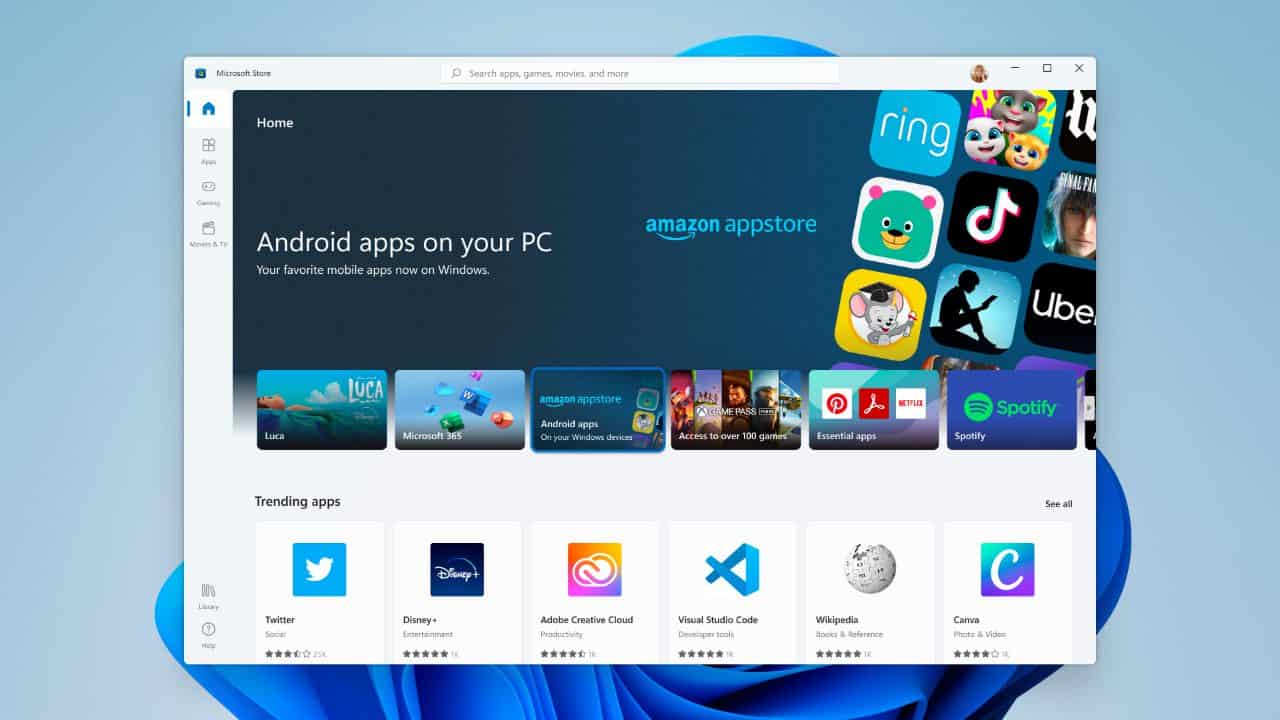
I am not sure exactly which app you need to run but if you have Windows there is an Android subsystem, if the app is not available through regular store you can sideload:
sigpicComment


There are currently 12135 users online. 113 members and 12022 guests.
Most users ever online was 239,041 at 10:39 PM on 02-14-2026.


Comment