

 Tweet
Tweet
I have a couple of ACER monitors:
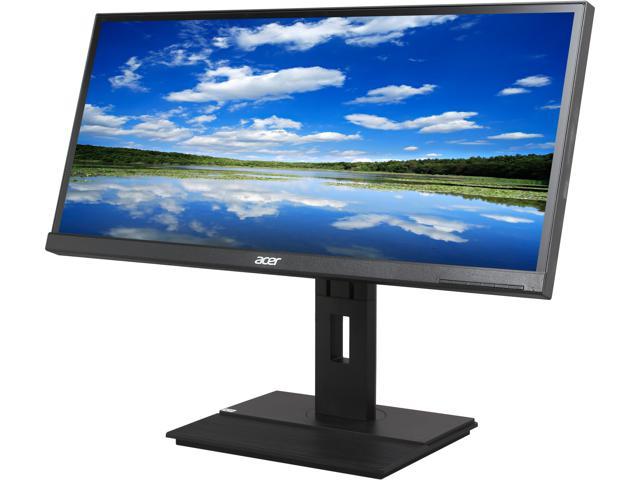
where the display ports were never used and I recall that I used HDMI and DVI before with my old video card specifically because the Display port cable didn't work - no signal. But the old video card (Gigabyte GTX 1080i) had a DVI... new one DOES NOT. New one (MSI RTX 3090) only has Display ports and one HDMI.
I've used display ports before and they usually just work like any other port.
The monitors are 2560x1080 resolution.
Monitors have DVI, HDMI, Display Port... only Display ports seem dead. I can get native resolution from HDMI and DVI... but now do not have DVI option.
So, currently to get the two monitors both working, I have native resolution on the straight HDMI cable... and stretched 1080P resolution on a Display Port to HDMI adapter cable. Adapter cable will not go to native resolution.
Any advice? Probably time to look at monitor updates?
where the display ports were never used and I recall that I used HDMI and DVI before with my old video card specifically because the Display port cable didn't work - no signal. But the old video card (Gigabyte GTX 1080i) had a DVI... new one DOES NOT. New one (MSI RTX 3090) only has Display ports and one HDMI.
I've used display ports before and they usually just work like any other port.
The monitors are 2560x1080 resolution.
Monitors have DVI, HDMI, Display Port... only Display ports seem dead. I can get native resolution from HDMI and DVI... but now do not have DVI option.
So, currently to get the two monitors both working, I have native resolution on the straight HDMI cable... and stretched 1080P resolution on a Display Port to HDMI adapter cable. Adapter cable will not go to native resolution.
Any advice? Probably time to look at monitor updates?


Comment