

 Tweet
Tweet
I NEED HELP!!! My son is wanting a gaming computer. I can do a lot of stuff on them, I just need help if I should have one made or by something off the shelf from dell or something like that. I know about the different processors and ram, but video cards and anything else that is needed is over my head. He is almost 13 and plays Xbox and PlayStation if that helps.
-
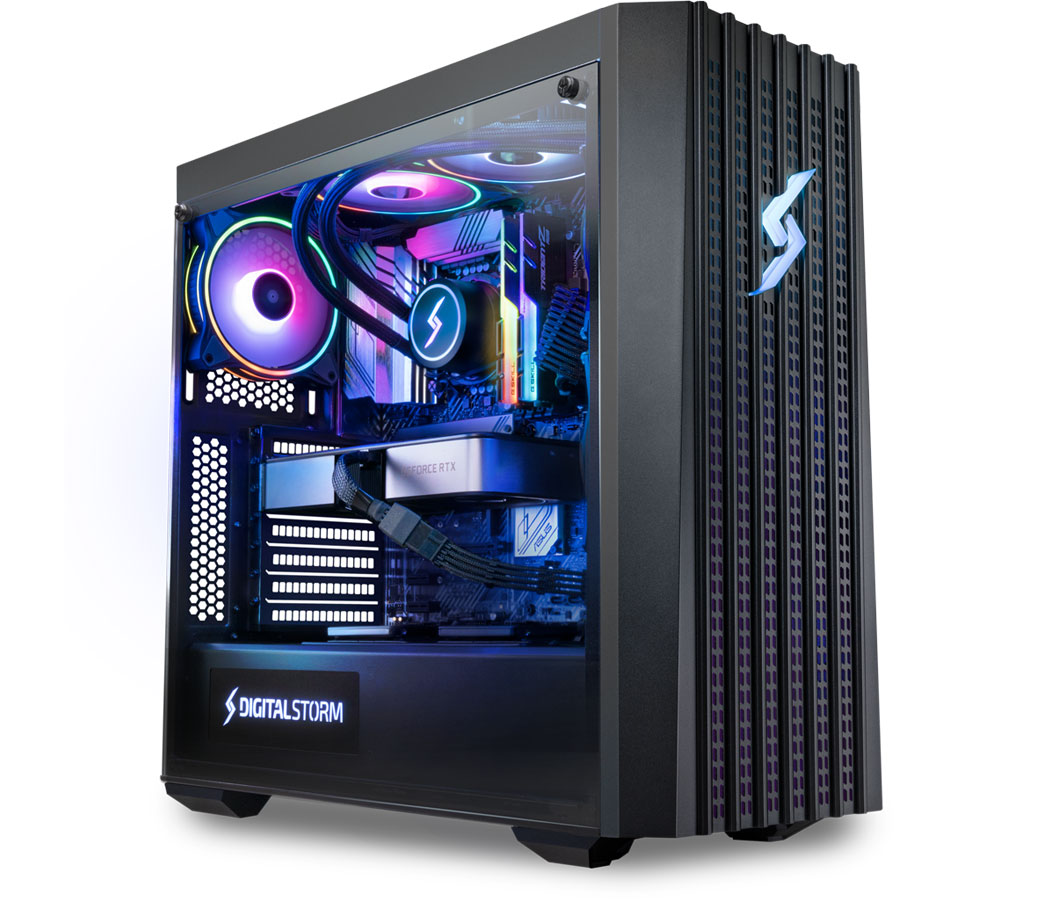
Set a budget and then goto www.DigitalStorm.com. Have very good experience with them as a company.Comment
-
-
As noted... set a budget. But I would say lean heavier on GPU than CPU.
In the past, if you weren't minimum of x60(Nvidia), your card was junk. The big boys were doing x70, x80, and x80ti. I gave up watching cards at the 9x series... so in that series, you would want 970, 980, and 980ti. Skip the SLI setups(ganged cards) Last I read, support for SLI has gone down the tubes for games. I lean NVidia because in the past they were known for great drivers and usually quick game support.
There is no way I would buy a pre-built system. They will skimp on quality of motherboard, power supply, and memory. They only 'real' savings would be included operating system.Comment
-
At minimum:
Comment
-
It's cheaper to build your own. Best Buy will sell you a bottom-grade gaming system, at top-tier price.
Any friends who build PC's, who might take pity on you and help? sigpic
Comment
-
Thanks everyone. Looks like I will save a couple more months before I get him a gaming computer.Comment
-
I'm getting a desktop from https://maingear.com/.
Recommendations are top-notch.
They've got a box for $750 - https://maingear.com/vybe/Last edited by Cincinnatus; 08-03-2020, 8:36 PM.Active Army 1976-1986, Army Reserve 2005-2015, Afghanistan 2010-2011
http://www.thepolemicist.net/2013/01...t-for-gun.html
https://www.thereligionofpeace.com/Comment
-
I've just built one from cyberpowerpc although I geared mine for work not gaming (data analysis). 750 would be on the lower end I would think, and around 1200 would be entry level for serious gaming.
For gaming LTC-J is on the mark, quality graphics cards are a must and it's not uncommon to put more focus on the video card. Ram around 16G would be fine (unlike a machine dedicated more for work) but I'd argue that a good processor is pretty important as well. The AMD/Intel battle has lead to really good processors from both though I think AMD's ryzen (ryzen 7, ryzen 9) have a slight edge. I say that knowing full well someone is rolling up their sleeves for an arguement lol).
Along with the rise in power with modern machines is cooling technology. These new processors and cards put out serious heat which can slow performance. Liquid cooling has become mainstream in gaming machines now as well as having come down in cost so keep cooling systems in mind when shopping. Lastly, for some reason colored lights are all the rage, as if everyone's machine needs to look like a set piece from EDC. Not sure why but people spend serious cash on colors so keep that in mind as if you custom build you can slash those options to keep your price lower
Cyberpower has both custom configurators and prebuilt options that are very solid though the custom builds will have a wait time of 3-4 weeks for delivery.
Example of a good gaming setup from cyberpowerpc

TLDR:
- Save up
- Video cards > ram
- Good CPU like ryzen 7 or i7 for starters
- cooling systems matter, dont hesitate to do homework on them
- people pay extra for pretty lights
Good luck!Comment
-
someones selling a 2080 super gpu on the market place for $550 bucks or something around that price -- id swoop it up thats a great priceComment
-
Use PcPartPicker. This is an example build. https://pcpartpicker.com/guide/RPTwr...d-gaming-build
There are many other ones on the site for different budgets. If you are on a budget my advice is to stick to 1080p and not got for 4k or 2k even.
- CPU: get a AMD Ryzen CPU, Intel is slacking and has not yet caught up. 4-6 cores is great for gaming. More than that is overkill for gaming. CPU should come with a cooler and thermal-paste.
- GPU: I prefer NVIDIA but it comes at a premium compared to AMD/ATI. 2060, 2070, 2080. "Super" and Ti are both better but more expensive version of these models. But that's what I'd get.
- PSU something from a reputable company. Corsair and EVGA are my goto. 600W should be enough. (you can check on PcPartPicker how much you will need and then get like 50-100W extra). Often the 600W will be within a few dollars of the 500W ones.
- Motherboard: just pick one that has decent reviews for that CPU. ASUS, MSI, ASROCK. (I'd go for the standard ATX size). If you are not gonna run Ethernet you can get a mobo with wifi built in.
- Memory/RAM: Good brands are Corsair, GSKILL, Kingston. I suggest Corsiar LPX, no fancy LEDs but it is a slimmer profile that will fit anything also a little cheaper. DDR4 with 3200 speed or more. I'd try for 3600.
- Storage: get a 500gb SSD (look for 3D-NAND or VNAND). M2 or SATA is fine. M2 is more expensive, SATA truly is fine. Bigger SSD if you want or add an HDD. Samsung makes great SSDs, WD also has decent models. If you are unsure check amazon for popular ones.
-Case: pick one that fits the mother board in size (modo will be mATX or ATx, etc.) just make sure they match in size. Other than that, one that looks "cool" and comes with at least 2 fans.
Building one yourself is easy and will be a great bonding experience for you and your son. Takes a few hours if you've never done it. Hard to mess up. Just watch some videos. That "hardest" part is installing the CPU, make sure it is orientated right and only apply the paste to the top of the CPU (not the pins of the underside or the mobo).
If you find yourself with spare cash maybe get a better GPU. Or buy him a Steam giftcard.
Build it yourself. You will save some money. Not difficult to build at all. You will need a Phillips head screw driver, other tools come with the parts. It will be fun for you and your son. Your son might be able to get windows 10 for free as a student.
============
This is to give you an idea of building it yourself versus buying pre-built. In this example you actually get more SSD storage by building it yourself. Everything else is about the same. And you save $400 or about 30%.
 Last edited by jamie404; 08-04-2020, 12:00 AM.
Comment


 OTOH, it was an overly built top end machine that doubled as dev box


There are currently 9286 users online. 102 members and 9184 guests.
Most users ever online was 239,041 at 10:39 PM on 02-14-2026.


Comment