

 Tweet
I have two 22" 1920x1080 monitors I'd rather have that than one giant one and try to resize everything into the four quadrants.
-
Where the people fear the government you have tyranny. Where the government fears the people you have liberty.
-
I've got two 24s side by side. One directly in front of me, and a secondary on the left at an angle. Works pretty well.
-- MichaelComment
-
34 lg ultra wide , single usb c for power and display connection.Comment
-
There is software that does it for you. Super easy, plus the ability to click one of your quadrants into full screen. Useful for CAD and such.
vindicta inducit ad salutem?Comment
-
I just got a 34" Samsung ultrawide from work.
It works great on my Ergotron sit/stand monitor stand.
With 3440x1440 resolution, I don't feel like it's too close or I'm straining. I really like it especially since I upgraded from a "small" 24" dell.
Samsung has a handy Easy Settings app that snaps windows into preset grids. I either have 3 windows side by side for productivity, or 2 windows for relaxing: a browser and netflix

Comment
-
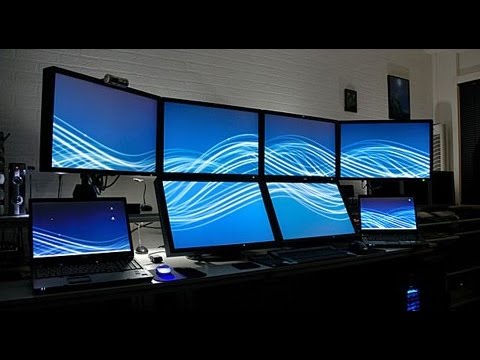
Comment


There are currently 13680 users online. 152 members and 13528 guests.
Most users ever online was 239,041 at 11:39 PM on 02-14-2026.


Comment