Unconfigured Ad Widget

Collapse

what's the best video editing problem for windows?

Collapse
X
 
  • Time
  • Show
Clear All
new posts
  • 2shotjoe
    CGN/CGSSA Contributor
    CGN Contributor
    • Feb 2011
    • 26715

    what's the best video editing problem for windows?

    so many programs out there, very hard to use most of them.

    i'll admit that is 1 thing macos has over windows, they sure have a better set of default programs.
    Originally posted by Kestryll
    ..you're kind of a sad excuse for an attorney...
    Originally posted by Libertarian777
    ...Don't pick either side....
  • #2
    Ceros_X
    Junior Member
    • Jun 2012
    • 20

    I like the Techsmith Camtasia software, it is one of the easiest programs I have found to mesh multiple audio and video sources seemlessly

    Comment

    • #3
      ray415
      Member
      • Aug 2016
      • 194

      I don't know if there's a "best" video editing software for Windows, but I think it's more what kind of videos you'll be creating.

      If you only require simple tools, the Photos app that comes preinstalled with Windows 10 is worth a look.

      For a long time I was using Sony Vegas, which I felt was easy to use. It only costs $50, too.

      A lot of pros I know use Adobe Premier which has a whole suite of tools but is one of the more expensive applications.

      Comment

      • #4
        brassburnz
        Veteran Member
        • Nov 2006
        • 3553

        Originally posted by Ceros_X
        I like the Techsmith Camtasia software, it is one of the easiest programs I have found to mesh multiple audio and video sources seemlessly
        I've used iMovie (yeah, I know it's Mac), Adobe Premier Pro, Adobe Project Rush, and Camtasia. Project Rush is great if all you are doing is stringing clips together. Premier Pro is very powerful but there is a huge learning curve. Plus Adobe products aren't cheap. I only use Adobe because work pays for Adobe Creative Cloud subscription.

        I like Camtasia for it's versatility. You can record you desktop or import video. Also, it's a one-time purchase that doesn't break the bank.

        Techsmith has a free screen capture program called Jing. Photo and video capture. 5 minute limit on video. It's not Camtasia light. Probably not developed by the same software engineers.
        NRA Life Member
        CRPA Life Member

        Comment

        • #5
          ibanezfoo
          I need a LIFE!!
          • Apr 2007
          • 12421

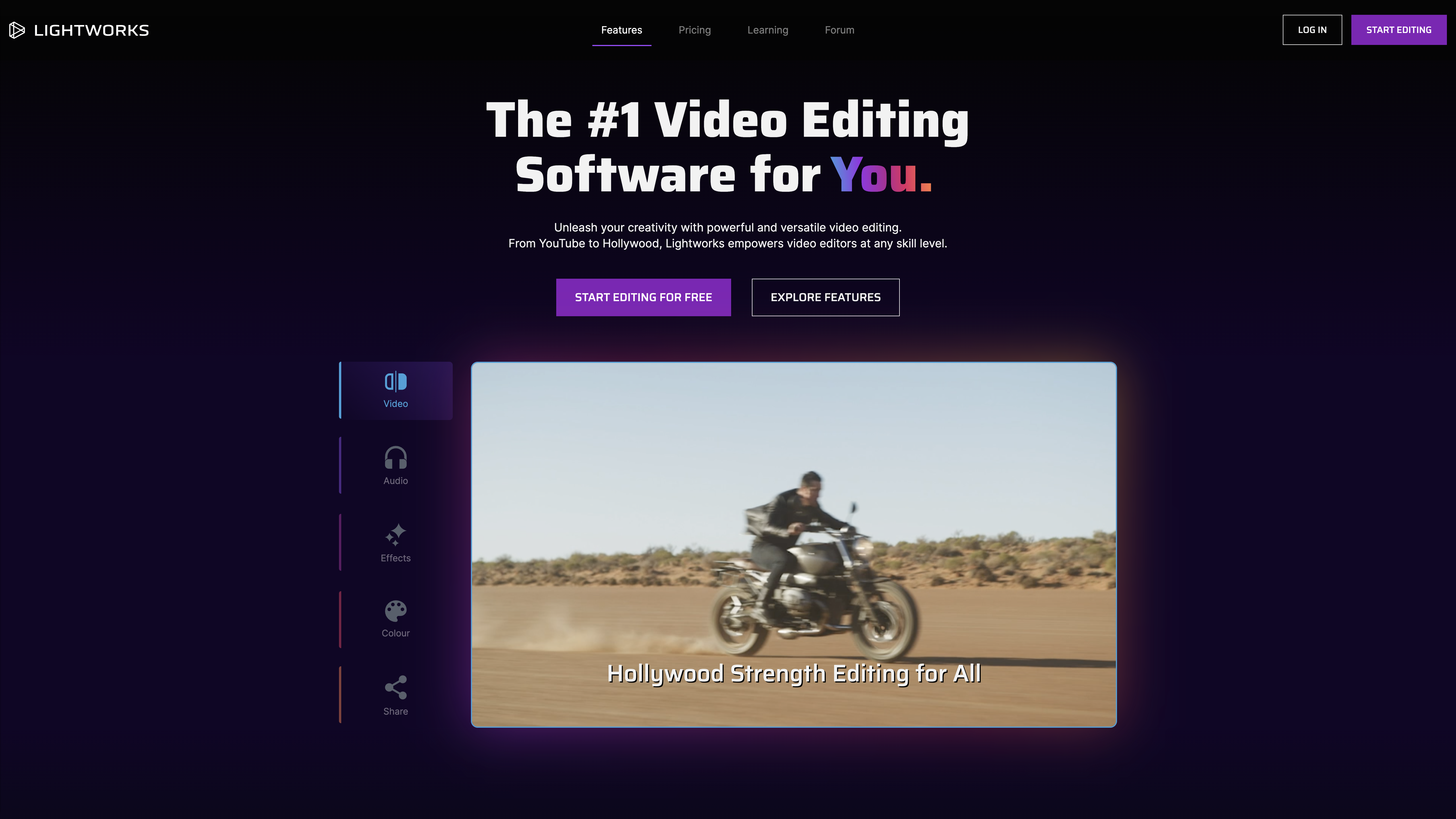
          Hollywood uses this one apparently

          Lightworks unlocks your potential as a video editor. A unique video editing journey crafted for all levels, from your first edit to Hollywood legend!


          You can use a limited version for free.
          vindicta inducit ad salutem?

          Comment

          • #6
            TheHarvester
            Junior Member
            • Apr 2011
            • 42

            Open Shot is a good, free open source video editing program.

            Comment

            • #7
              DolphinFan
              Veteran Member
              • Dec 2012
              • 2586

              I'm using Adobe Premier Pro CS6, Huge learning curve but capable of just about anything.
              As for "BEST" Probably AVID Media Composer.
              10/15/2022 - Called to get on the list
              2/18/2023 - Interview set
              4/27/2023 - Class
              4/30/2023 - Live Scan
              5/9/2023 - Interview
              6/26/2023 - Approval Letter
              8/1/2023 - Issued

              Comment

              • #8
                rodralig
                CGN Contributor
                • Apr 2016
                • 4262

                Cyberlink PowerDirector...

                Been using it for YEARS.


                _

                WEGC - Shooting at 10-yards VS 20-yards - https://www.youtube.com/watch?v=h7mdbNZ4j9U

                Comment

                • #9
                  CaliforniaCowboy
                  Senior Member
                  • May 2015
                  • 1469

                  I think Premier Pro is one of the top programs if I am not mistaken, I have never used it. It is what many of the Youtubers use. Great for regular video editing.

                  I myself am partial to Adobe After Effects for video editing. But is for more than basic editing. I do not edit long videos, usually small clips for fun (adding special effects) or for repair ( cleaning up video, motion stabilizing etc).

                  Depends and what you want to do. If editing together video from a wedding or something like that or doing youtube video production I thing Premiere Pro would be great.

                  If you are looking for a free program, I do not know what I would recommend.

                  I believe Adobe Hitfilm Express is Free (have not looked into it lately) and not too hard to learn, Better than anything that comes with your bundled software.
                  Last edited by CaliforniaCowboy; 10-24-2019, 6:05 PM.
                  https://thedeplorablepatriot.com/

                  "A Holocaust survivor dies of old age, when he gets to heaven he tells God a Holocaust joke. God says, That isn't funny. The Old man tells God, well, I guess you had to be there."

                  Comment

                  • #10
                    ianatbragg
                    Junior Member
                    • Dec 2010
                    • 5

                    Shotcut is free. Does more than iMovie but has a learning curve and not user friendly in my opinion

                    Comment

                    • #11
                      4wd_Jeff
                      Junior Member
                      • Sep 2019
                      • 12

                      Comment

                      • #12
                        PippaMartin
                        Junior Member
                        • Jul 2020
                        • 4

                        Originally posted by Ceros_X
                        I like the Techsmith Camtasia software, it is one of the easiest programs I have found to mesh multiple audio and video sources seemlessly
                        I always wanted to try Techsmith Camtasia software but it is very expensive over $250. Anyway, I found the solution, I mean I found another app while I was googling how to blur a video (actually a part of the video). I filmed a video of my friend's car, how he was drifting and I wanted to post it but with a blurred plate... And I found this topic. After that, I started to use the app they recommend there - movavi.
                        Last edited by PippaMartin; 08-22-2021, 12:06 PM.

                        Comment

                        • #13
                          ibanezfoo
                          I need a LIFE!!
                          • Apr 2007
                          • 12421

                          Been using this one lately, the free version. Fairly popular and lots of youtube videos for help.

                          Professional video editing, color correction, visual effects and audio post production all in a single application. Free and paid versions for Mac, Windows and Linux.
                          vindicta inducit ad salutem?

                          Comment

                          • #14
                            Rockzilla
                            Junior Member
                            • May 2012
                            • 53

                            Adobe Premier Pro
                            DaVinci Resolve

                            all work great

                            -Rock

                            Comment

                            • #15
                              AreWeFree
                              Veteran Member
                              • Jan 2013
                              • 4558

                              Originally posted by Ceros_X
                              I like the Techsmith Camtasia software, it is one of the easiest programs I have found to mesh multiple audio and video sources seemlessly
                              I'll second this. Very easy and intuitive to use.

                              Comment

                              Working...
                              UA-8071174-1