

 Tweet
Tweet
This is making the rounds on other forums...copied and pasted here:
Seeing Past Photobucket Hotlink Block, like this:
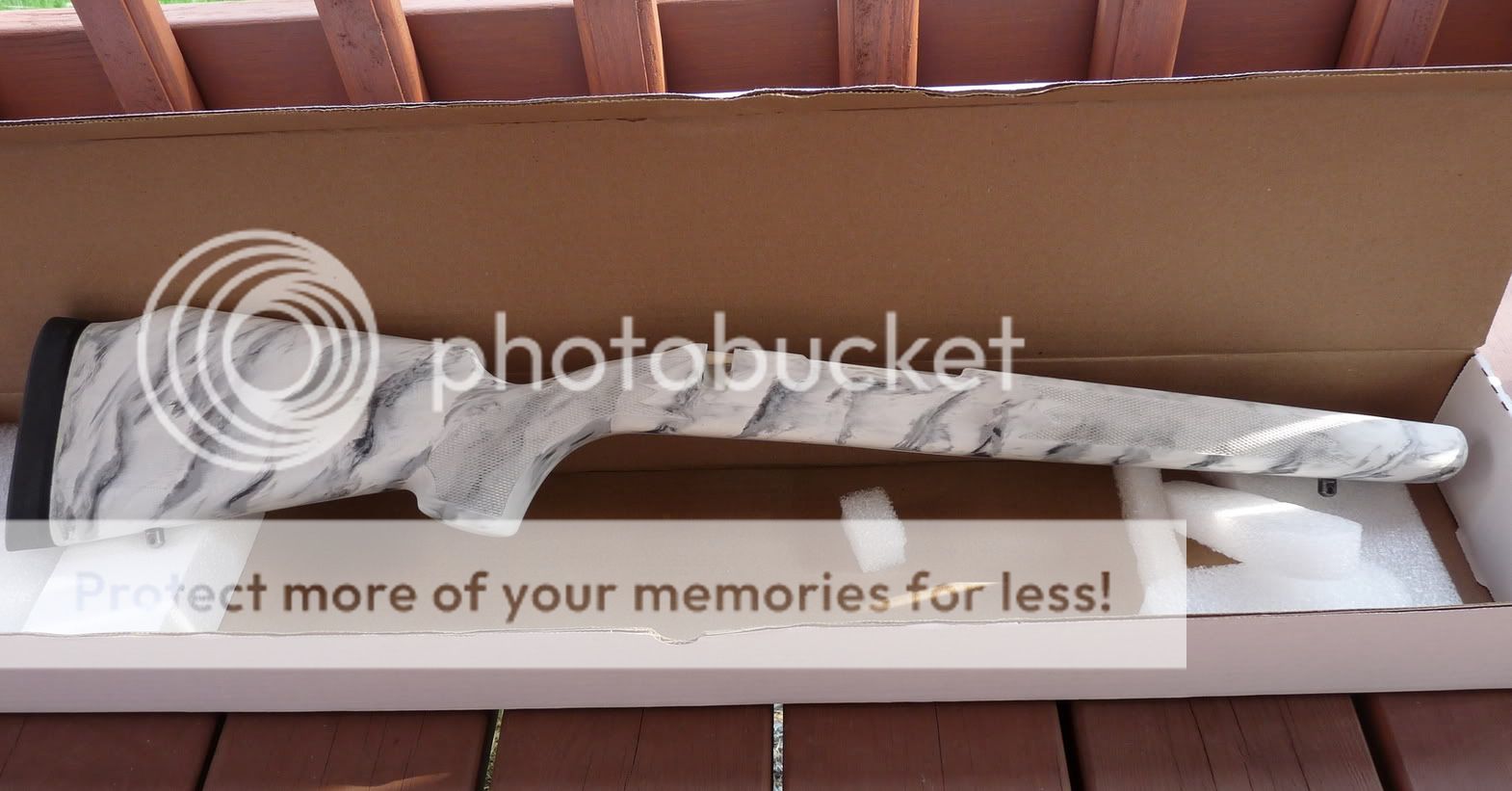
Photobucket has chosen to show you this block image instead of the original image. However, unless the user deleted their photobucket account, every old photobucket image is still linked on this website (and every other place on the internet).
There are Free Add-Ons available for both Chrome and Firefox, which will let you choose to see the original photo instead of the "ransom block" image, throughout the Internet.
For Chrome: https://chrome.google.com/webstore/d...=1515699540294
For Firefox:https://addons.mozilla.org/en-US/fir...otobucket-fix/
With this, you can see everyone's old photobucket images in context on every thread and every website.
Uploading the patch, you're not doing photobucket any favors, giving them any money, agreeing with them - all you're doing is restoring your old knowledge base to where it was before the photobucket ransom
If you want to remove the add on later, go to Add-ons/Extensions and remove or disable it, or with Chrome, just right-click on your toolbar.
Hope this helps.
Seeing Past Photobucket Hotlink Block, like this:
Photobucket has chosen to show you this block image instead of the original image. However, unless the user deleted their photobucket account, every old photobucket image is still linked on this website (and every other place on the internet).
There are Free Add-Ons available for both Chrome and Firefox, which will let you choose to see the original photo instead of the "ransom block" image, throughout the Internet.
For Chrome: https://chrome.google.com/webstore/d...=1515699540294
For Firefox:https://addons.mozilla.org/en-US/fir...otobucket-fix/
With this, you can see everyone's old photobucket images in context on every thread and every website.
Uploading the patch, you're not doing photobucket any favors, giving them any money, agreeing with them
- all you're doing is restoring your old knowledge base to where it was before the photobucket ransomIf you want to remove the add on later, go to Add-ons/Extensions and remove or disable it, or with Chrome, just right-click on your toolbar.
Hope this helps.


Comment