

 Tweet
Tweet
My Note 8 4G LTE Icon goes dark.. Loses connection and will not reconnect (even in a strong signal area) until I reboot the phone. Verizon.. New sim, APN correct: Verizon.... happens once or twice a day. Anyone have/had the same? Any solutions?
-
-
I recently "upgraded" to an s8 and have found that it is very slow loading, even on wifi, compared to my s5, that was nearly four years old. Like yours, it is faster after the restart, but on a brand-new phone, shouldn't be necessary. Very disappointed so far.sigpic"Political correctness is tyranny with manners. "- Charlton Heston -
Try doing a network reset
Settings...backup and reset...reset network settings
Also, note sure if calling #228 still does anything. It used to relearn tower programming.NRA Endowment Member

Comment
-
Unfortunately nothing I've done helps. Noticed there is a current update rolling out in Taiwan for the same issue.
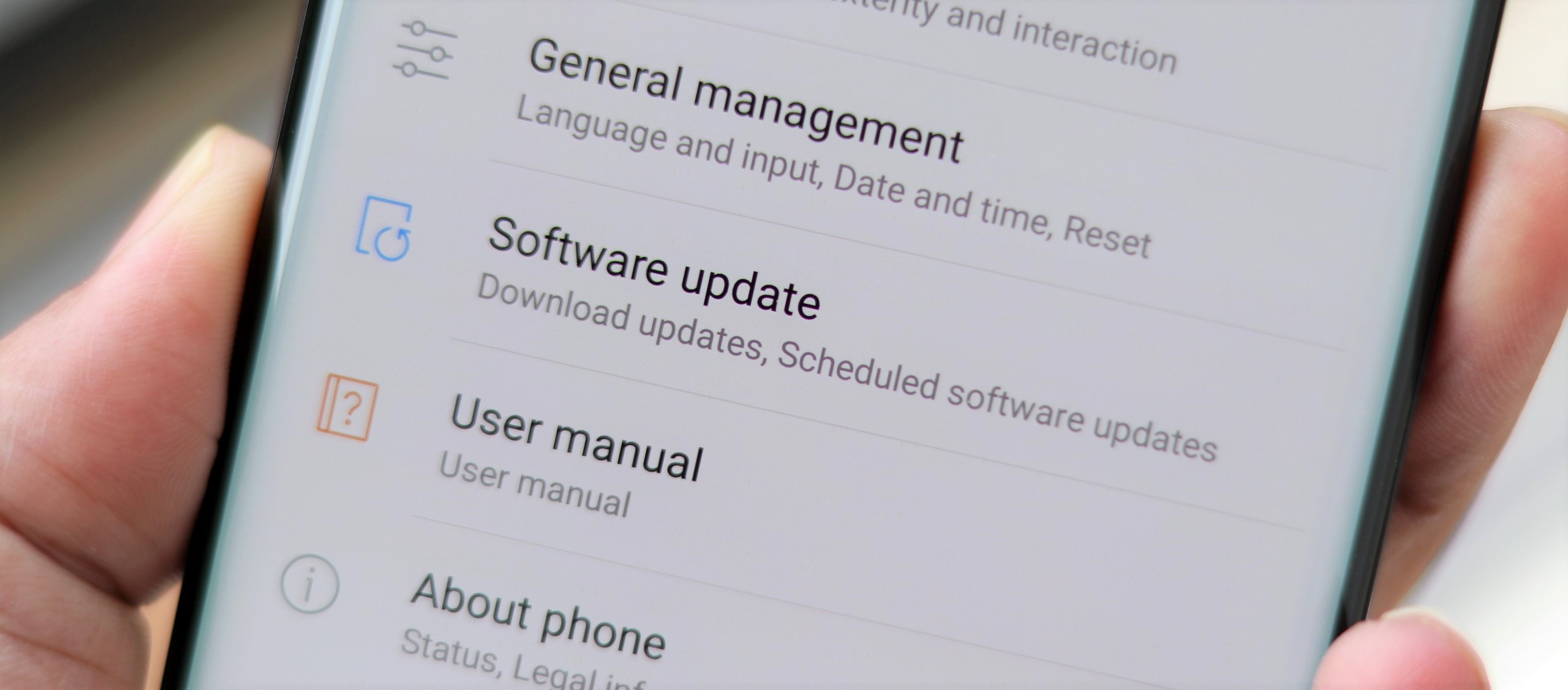
Hopefully it will arrive here or maybe will be included in the coming Oreo push.Comment
-
I have a note 8 and haven't had any issues with LTE. I would personally back up everything then do a hard reset. Then if it doesn't work request a replacement.Comment
-
Airplane mode on, then off?
"Have you tried turning it off, then on again?"Comment
-
There is always the option to factory it, and start over.
I think, just like on other OS's, some settings whack out when firmware(/OS) updates get applied. You CAN back up your data, AND start over to see if that fixes it. People I know had to do this on their iPhruity devices a few times, and I have done it once, or twice on Androids myself.Comment
-
i got the s8 and note 8, sounds like you need phone replacements.Originally posted by KestryllOriginally posted by Libertarian777Comment
-
I ended up deleting all backup data in Google Play services... Read about it i XDA Developers.. That helped. Also received the January software update from Verizon for the Note 8 last Monday. Seems ok now.
In a Samsung changelog they mentioned the update would contain a fix for a similar LTE connectivity issue in dual sim models in Asia and Europe.
Relieved I didn't have to do the factory reset.Comment


There are currently 6829 users online. 128 members and 6701 guests.
Most users ever online was 239,041 at 10:39 PM on 02-14-2026.


Comment