Unconfigured Ad Widget

Collapse

PC Keeps Freezing, even after Re-install of OS

Collapse
X
 
  • Time
  • Show
Clear All
new posts
  • 2DoorImpala
    Veteran Member
    • Jun 2009
    • 4698

    PC Keeps Freezing, even after Re-install of OS

    Removed one Ram stick to see if ram was the issue, and still same thing.
    Reinstalled windows 8.1, still
    Could of be my Video Card or the ****ty PSU?

    AMD FX-8350
    16GB ram, kingston brand
    Motherboard is gigabyte
    r9 280
    PSU is Ultra LSP v2 550 watt

    Im adding, I have to turn off the power supply, hit the power button on my pc to discharge it and turn back the power supply in order for the pc to boot. If i do not, it turns on but does not boot
  • #2
    Iknownot
    Senior Member
    • Jul 2007
    • 2174

    I'd guess your PSU is giving up the ghost. I've had PCs restart, hang or shut down when the PSU starts to go. Id start with a new PSU personally, as the first place to trouble shoot.

    Comment

    • #3
      13animal13
      Member
      • Feb 2015
      • 156

      Could also be a bad hdd

      Sorry for the typos (sent from phone)

      Comment

      • #4
        rvicta
        Member
        • Mar 2013
        • 465

        It probably is your PSU like someone suggested. One of the signals the motherboard receives is the Power Good which is probably going low once everything starts up on your computer.

        Comment

        • #5
          2DoorImpala
          Veteran Member
          • Jun 2009
          • 4698

          Thanks gauise, ordered a new PSU, hopefully it fixes it
          got a corsair 750 watt one

          Comment

          • #6
            Off the Roster
            Senior Member
            • Aug 2013
            • 2354

            If you haven't already, back up all your important data now! (just in case)

            Comment

            • #7
              Peter.Steele
              Calguns Addict
              • Oct 2010
              • 7351

              Good call on the Corsair. I've got a Corsair 1kW PSU with the single 12v rail. Love it. It's been going strong now for ... oh ****, it might be time to have a backup on hand ...
              NRA Life Member

              No posts of mine on Calguns are to be construed as legal advice, which can only be given by a lawyer.

              sigpic

              Comment

              • #8
                2DoorImpala
                Veteran Member
                • Jun 2009
                • 4698

                Thanks, I built it but rarely used it so not much to back up at all.
                Plus I already wiped it clean thinking it was the OS or a faulty driver.

                Comment

                • #9
                  the86d
                  Calguns Addict
                  • Jul 2011
                  • 9587

                  Windows updates have sent bad drivers (or caused corruption of drivers) when Win 8 was new (and older versions of Windows auto-installed bad drivers in the past too). I had to factory every 8.0 machine I saw due to this. Maybe do what I do and disable auto-updates (if Win 8 allows this) and select manually, everything BUT drivers and see if the issue persists, after a clean install, then selectively do driver updates and do them one at a time, every few days and see if you can narrow it down...
                  Last edited by the86d; 04-22-2015, 7:05 AM.

                  Comment

                  • #10
                    CrossedRifles
                    Senior Member
                    • Apr 2011
                    • 2430

                    If it was just the RAM, startup will usually throw an error or such.

                    I also agree with the others that it is the HDD or PSU.

                    Are all your USB working and do you see the motherboard startup screen?

                    Comment

                    • #11
                      Deadsouls
                      Member
                      • Nov 2012
                      • 254

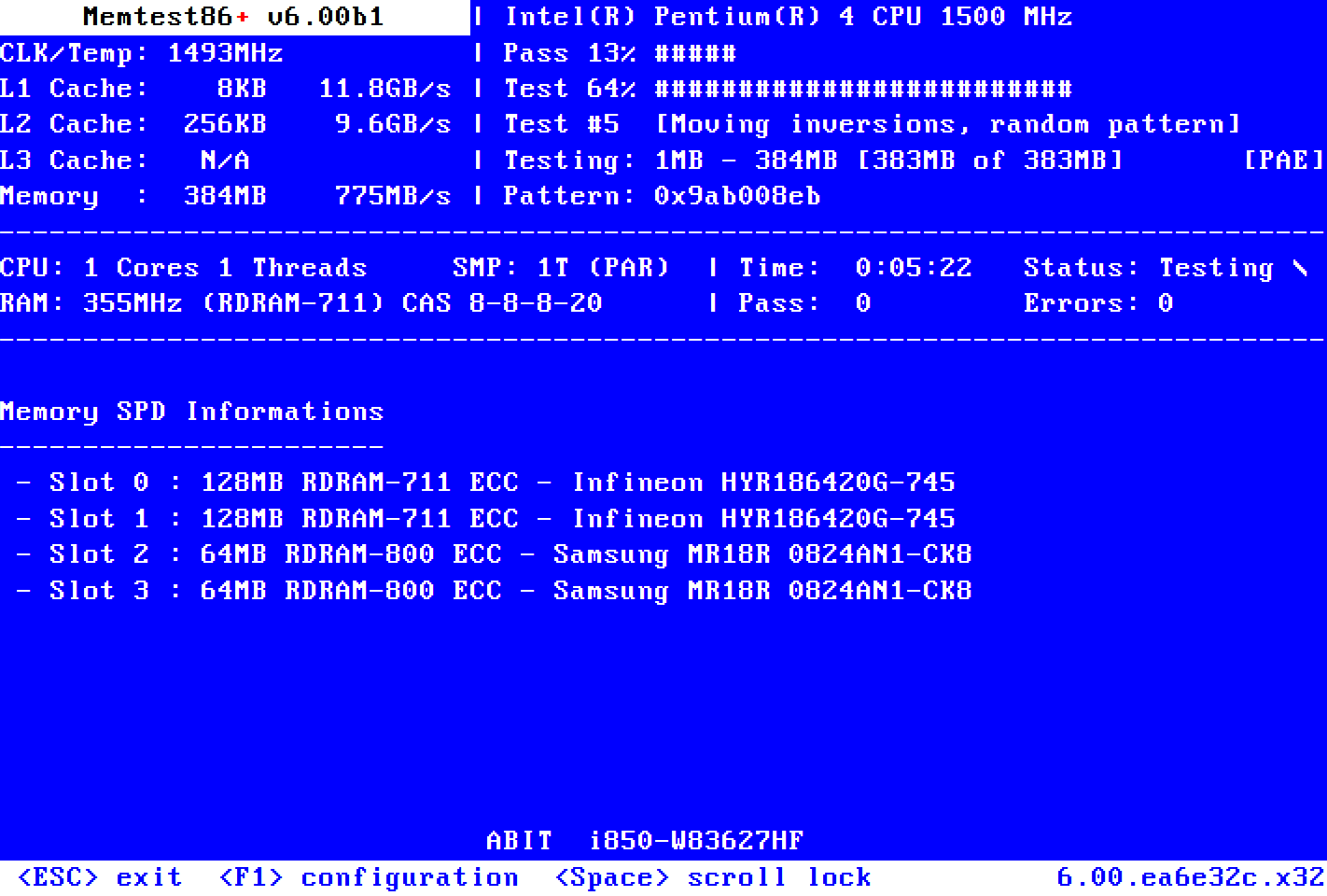
                      Run MemTest86+, it's free open-source. It will let you know if you are having issues with the RAM.

                      Memtest86+ is an advanced, free, open-source, stand-alone memory tester for 32- and 64-bit computers (UEFI & BIOS supported)

                      Comment

                      • #12
                        2DoorImpala
                        Veteran Member
                        • Jun 2009
                        • 4698

                        No motherboard start up screen if I try to turn it back on after a freeze. I would have to discharge the PSU in order for it to boot up again. These parts are under 1 year old. So I hope it was the PSU since I wanted a bigger one anyways.
                        Also the USBs do not work when I try a normal boot up after a freeze. The hard drive lights and all the other stuff light up but nothing shows up on the screen.
                        My monitor shows up as sleep mode after a freeze, its not the monitor because I have two and it does it on both. If I take off the HDMI then the monitor switches from Sleep Mode to No connections found.

                        Comment

                        • #13
                          Peter.Steele
                          Calguns Addict
                          • Oct 2010
                          • 7351

                          Okay, so maybe this is a stupid question but ... are you sure that the power going in to your computer is stable?

                          The symptoms you described in your last post sound a LOT like what happened to one of my computers when the main power feed fuse (the whole desktop computer was embedded in an industrial machine) was failing. The fusible element wasn't broken, but the end caps were loose causing some intermittent issues, and I couldn't get enough power to the PSU in the computer. HDD lights came on, case fans, but no USB power and no boot. Same thing with the monitor - it was asleep, but not no connection found unless I actually disconnected it.

                          Check your power strip and your outlet. Try running on a different one of each, just for ****s and giggles.
                          NRA Life Member

                          No posts of mine on Calguns are to be construed as legal advice, which can only be given by a lawyer.

                          sigpic

                          Comment

                          • #14
                            Cowboy T
                            Calguns Addict
                            • Mar 2010
                            • 5725

                            My steps, in order, when this has happened to me:

                            1.) stable power, i. e. is it on an UPS,
                            2.) a good power supply, as others have suggested (I use Antec; Corsair's also good),
                            3.) reseat the PSU connection a few times to clean any oxidation,
                            4.) reseat the CPU,
                            5.) Memtest86+.

                            Yes, bad memory can cause a computer to freeze hard, where you have to actually flip the switch or yank the cord. I've had that happen.
                            "San Francisco Liberal With A Gun"
                            F***ing with people's heads, one gun show at a time. Hallelujah!
                            http://www.sanfranciscoliberalwithagun.com (reloading info w/ videos)
                            http://www.liberalsguncorner.com (podcast)
                            http://www.youtube.com/sfliberal (YouTube channel)
                            ----------------------------------------------------
                            To be a true Liberal, you must be 100% pro-Second Amendment. Anything less is inconsistent with liberalism.

                            Comment

                            • #15
                              antiseen
                              Senior Member
                              • Feb 2013
                              • 837

                              Could also be the beginnings of overheating issues. Clean out the dust and check the fans.

                              Comment

                              Working...
                              UA-8071174-1