

 Tweet
Tweet
Recently bought a Holosun PID light after watching it take more abuse than the competition (Surefire, Streamlight, Olight, Nightstick, Inforce etc.) and not even blink.
If you’re running a Holosun PID on a Glock and can’t press the right-side activation button, it’s likely because the switch is hitting the trigger guard. I ran into several folks with the same problem and they either did not fix it, did not list how they fixed it, or simply used a different spacer to push the light forward. I wanted it as far back as possible since I was trying to find a light that sat flush on my G17 with a JTT barrel.
Holosun’s official fix is a different adapter that pushes the light forward, but that ruins the flush fit (or close to it).
I found a simple, non-permanent workaround:
• Small spacer (business card or thin brass) placed between the switch and actuator
• Restores full right-side button function
• No permanent mods to the gun or light
• Works great for range and home use (not duty), this piece can fall out if not glued in place.
• Can be made permanent if glued in place. While I did this, I would not recommend it since it would likely void your warranty.
Full explanation and demo here: Holosun PID Right Button Fix:
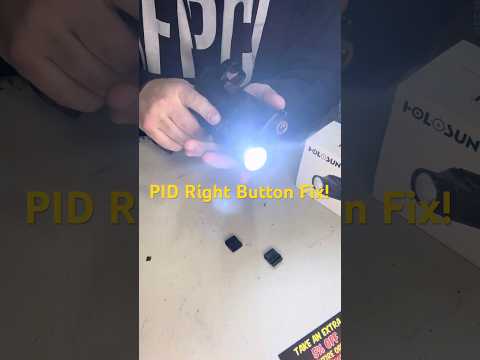
Anyone else ran into this with the Holosun PID? What was your solution? zz0.gwqng8bti76zz
If you’re running a Holosun PID on a Glock and can’t press the right-side activation button, it’s likely because the switch is hitting the trigger guard. I ran into several folks with the same problem and they either did not fix it, did not list how they fixed it, or simply used a different spacer to push the light forward. I wanted it as far back as possible since I was trying to find a light that sat flush on my G17 with a JTT barrel.
Holosun’s official fix is a different adapter that pushes the light forward, but that ruins the flush fit (or close to it).
I found a simple, non-permanent workaround:
• Small spacer (business card or thin brass) placed between the switch and actuator
• Restores full right-side button function
• No permanent mods to the gun or light
• Works great for range and home use (not duty), this piece can fall out if not glued in place.
• Can be made permanent if glued in place. While I did this, I would not recommend it since it would likely void your warranty.
Full explanation and demo here:
Holosun PID Right Button Fix:
Anyone else ran into this with the Holosun PID? What was your solution? zz0.gwqng8bti76zz


