

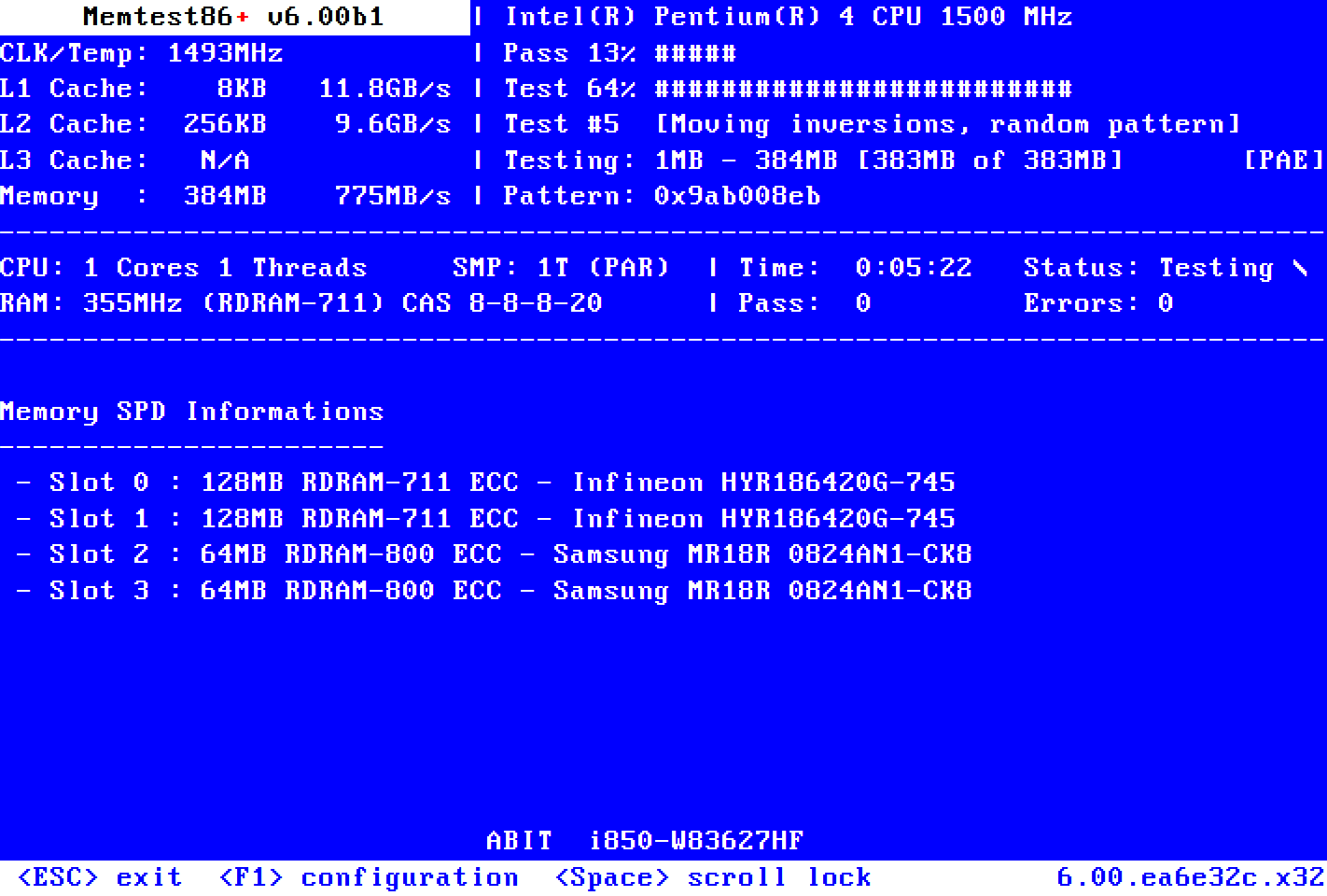
Have you tried running Memtest86+ yet? See what amount of memory it detects.
If memtest shows 6GB and runs clean, then try a reinstall of Win7. Create an image backup of your current install first, in case it turns out to be a setting in the end...
-
-
your prob doesn't look like hardware... check this link, maybe it's related
Leave a comment:
-
I updated the BIOS but it still didn't work. If fact I managed to cause some other clitch which prevents Windows from finishing loading now. Was working fine last night so I'm not sure what I did .
.
I'm wondering if its even the MB since it does detects the 6GB of RAM in BIOS and Window says 6GB, just only 3GB is usable. Is there a way the 64 bit can be switched to 32 bit and back? I wonder if maybe mine is running in 32bit mode for some reason.
I double checked even the Window's CD and packaging and it says its the 64bit version. System properties says 64bit system as well so I'm pretty sure its Windows 7 64bit.Leave a comment:
-
Update the BIOS, and if that doesn't solve it then call MSI tomorrow. Windows 7 64 bit has no issues using more than 3GB of RAM, so that's not it(if you're actually using the 64bit version). Aero or any other tweaks for windows have nothing to do with this(and aero works fine when you're using more than 3GB of RAM anyway).
In the meantime I'd suggest getting and running memtest like someone else already pointed out.Leave a comment:
-
Update your bios and see if the issue clears up, If your board is seeing six gigs but windows only 3 I am leaning towards windows being the problem.
Another thing to try is downloading a live cd of linux (ubuntu) and run it, see if all 6 come up on the live Cd.Leave a comment:
-
-
Man that sucks. I hope its not the MB for you. I've always made it a habit to read both the good and A LOT of the bad reviews for any product I purchase online.Leave a comment:
-
I installed 3 sticks of 2GB each for a total of 6GB of RAM. The operating system is 64 bit, verified in system properties. I checked newegg reviews of the MB and it does seem others have the same issue I have. I hope I don't have to change the MB.Leave a comment:
-
I have the same problem, I have a 64 bit processor but the MB only detects only 3 of 4 GB of the memory. I contacted tech support for my MB and was told that some brands of memory don't register properly. They suggested some brands of memory to try.
You also may have a 64 bit processor on a 32 bit MB. 3 GB is the upper limit that a 32 bit processor can access.Leave a comment:
-
I re-used my son's PC and installed a brand new version of Windows 7 64 bit. Put in four 1 Gig sticks of RAM (all exactly the same) and my PC does the same - only sees 3 gigs of RAM, not 4.
I mean, it sees all 4 Gigs when doing the poweron self-test, but then it says "3 gig useable"
I've been all over the windows forums and tried several alternatives (like turning off AERO) and nothing has helped. Figure its the ASUS AMD motherboard having the issue. It'll take a max of 4 gigs, you just can't use it. Go figure.Leave a comment:
-
According to your specs, Win7 should see and use all 6GB of ram.
Have you ran BurnIn6 and gotten your benchmark score? If not, I highly suggest this.
Also, run CPUZ to ensure you have exactly what you paid for. Could be a limitation of the MSI motherboard. They're not exactly Intel.Leave a comment:
-
TURN OFF WINDOWS AERO.
That gives a huge boost to your speed.Leave a comment:


There are currently 12605 users online. 38 members and 12567 guests.
Most users ever online was 239,041 at 10:39 PM on 02-14-2026.


Leave a comment: